
WordPress Domain Redirects: Mapping, Status Codes, and Migration Verification
Published:
Published by: Hedou Bibi
WordPress domain redirects: map old URLs, choose status codes and verify final destinations.
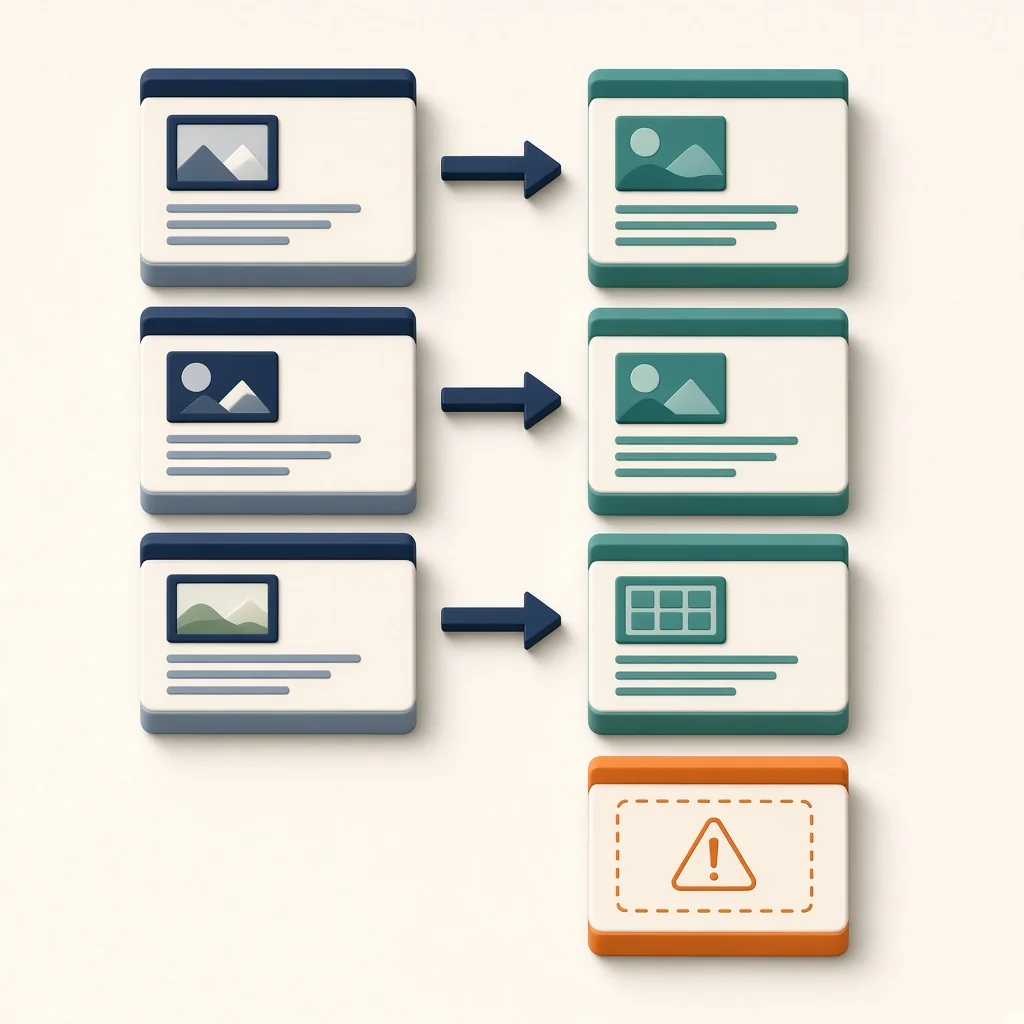
When executing WordPress domain redirects, the core principle is establishing precise URL mappings rather than applying blanket rules. Directing all old links to the new homepage is a common error. Search engines may classify this as a “soft 404,” and users may not find the specific content they expected. For deleted URLs with no relevant alternative, the correct approach is to return a 404 (Not Found) or 410 (Gone) status code, rather than forcing a redirect to an unrelated archive page or the homepage. This honestly signals to search engines that the resource is unavailable.
Choose a redirect that matches the move
301 and 308 indicate permanent moves; 302 and 307 indicate temporary moves. Select a status that represents the actual intention. For entry points receiving non-GET requests, such as form submissions, ask the developer to verify request handling separately. A page opening in a browser is not sufficient evidence for those requests. Prefer direct redirects to a relevant final destination without promising ranking or traffic outcomes.
Old URL Mapping Table
Building a mapping table is the foundation of executing redirects. The table below documents migration decisions. Please fill this in based on your specific situation:
Scroll horizontally or use the arrow keys to view the full table.
| Old URL | Related New Target | Expected Status | Actual Endpoint | Owner |
|---|---|---|---|---|
| Example: /old-post-a | Example: /new-post-a | 301 | /new-post-a | Example: John Doe |
| Example: /old-page | No relevant alternative | 410 | 410 Response | Example: Jane Doe |
For multilingual sites, verify that language versions are redirected synchronously. Additionally, classify functional query parameters separately from tracking parameters, and test which must be preserved, translated or removed without losing functional state or causing loops. Finally, audit external entries, such as social media and email lists, to confirm old links resolve correctly to the new domain, checking that important entry points still lead to relevant content.
Verification and Monitoring
After configuration, use crawler tools or manual spot checks to confirm that redirect chains are flattened. Monitor the Search Console for reports of excessive 404s or soft 404 warnings. Through detailed management of WordPress domain redirects, you can document actual outcomes and identify entry points needing further work; traffic and rankings are not guaranteed.