
WordPress product enquiry content: What Buyers Need Before Contacting You
Published:
Published by: Hedou Bibi
WordPress product enquiry content connects models, specifications, use limits and documents to a useful enquiry.
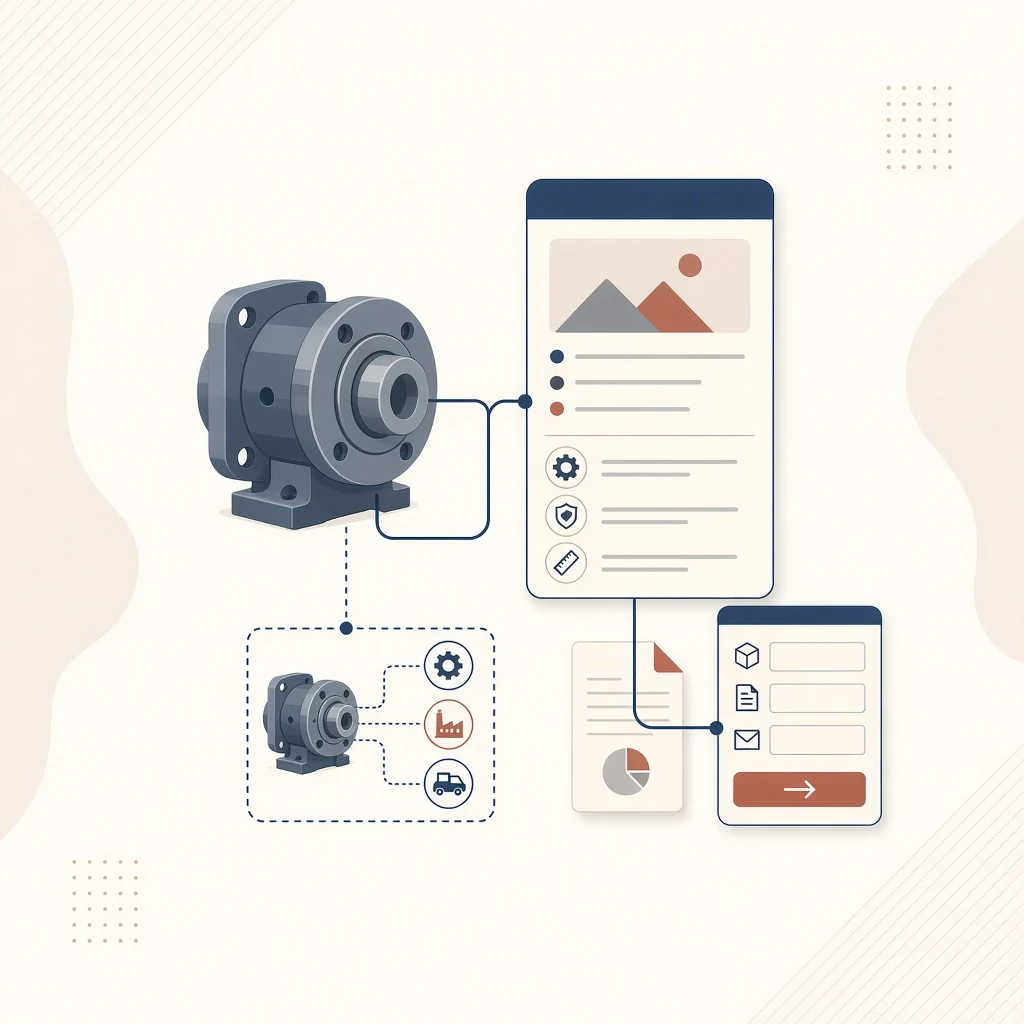
If a buyer still has to ask which model a page describes or whether it fits their application, essential information may be missing. WordPress product enquiry content should support that first decision and give the sales team a useful starting point. A catalogue website collecting enquiries does not automatically need a shopping cart or checkout.
Answer the first identification questions
State the product name, model, intended use and relevant differences clearly. Use approved photographs or diagrams that help identify the actual product rather than unrelated decoration. When one page covers several models, explain the differences or provide an unambiguous selection method so the enquiry does not arrive without context.
Use terms buyers recognise. Unsupported claims about performance, certification or delivery capability should not become selling points. Where selection depends on operating conditions, explain what information a buyer needs to provide for further assessment.
Give specifications a measurement basis
Explain units, field meanings and any necessary operating or test conditions. Agree on dimension order and distinguish net weight from packed weight. Do not turn a range into one fixed value, or fill an inapplicable field with zero merely to make a table look complete.
Before bulk entry, use a product-data dictionary for WordPress custom fields to align the editor with the frontend. Filtering, model comparison and document relationships require their own agreed implementation scope.
Assign an owner to each information group
The following planning worksheet is generic. It contains no actual product specifications and does not imply that every product needs every item. Adapt it to the business and track unresolved facts separately.
Scroll horizontally or use the arrow keys to view the full table.
| Information | Buyer’s question | Approval check |
|---|---|---|
| Model and image | Am I viewing the same product? | Match the image, name and identifier |
| Specifications and options | Could it meet my operating needs? | Confirm values, units, conditions and available options |
| Applications and limits | When is further selection advice needed? | Confirm evidence and exclusions |
| Supporting documents | Can I perform a technical review? | Check version, language, models and permission to publish |
| Enquiry context | How do I ask an answerable question? | Include the product reference, use case and necessary contact details |
Keep files consistent with the page
If approved specification sheets, drawings or selection guides exist, identify their language, version and applicable models. Open each file before release. Omit empty download buttons. Certification material must have evidence relevant to the stated product and publication scope; one document should not imply certification for an entire range.
Chinese and English pages can share confirmed numeric data, while explanations, unit notation, alternative text and file language still need separate review. When source information changes, check both web copy and downloads so an old PDF does not contradict an updated specification.
Carry product context into the enquiry
Label an enquiry button as an enquiry or contact action rather than Buy now when it opens a standard contact form. A form can display the current model for the buyer to confirm, with space for intended use, required specifications or quantity where relevant. Collect the information needed for the sales workflow rather than unrelated sensitive details.
Check destinations, required-field messages and submission feedback before launch. Email or CRM delivery tests need an agreed testing arrangement. On mobile, inspect long model identifiers, horizontal table access, downloads and the submit button. A desktop screenshot alone cannot establish that these work.
Approve one complete representative page
Finish source approval, bilingual entry, document checks and enquiry testing for one representative model before expanding the template. Retain source files, a content owner, version information and an update process. Hedou Bibi can use that evidence to discuss the WordPress product template and editing scope before the catalogue structure becomes costly to change.