
How to Plan WordPress Custom Fields Before Development
Published:
Published by: Hedou Bibi
Plan WordPress custom fields with a product-data dictionary covering meaning, units, required conditions, repeated records and missing values.
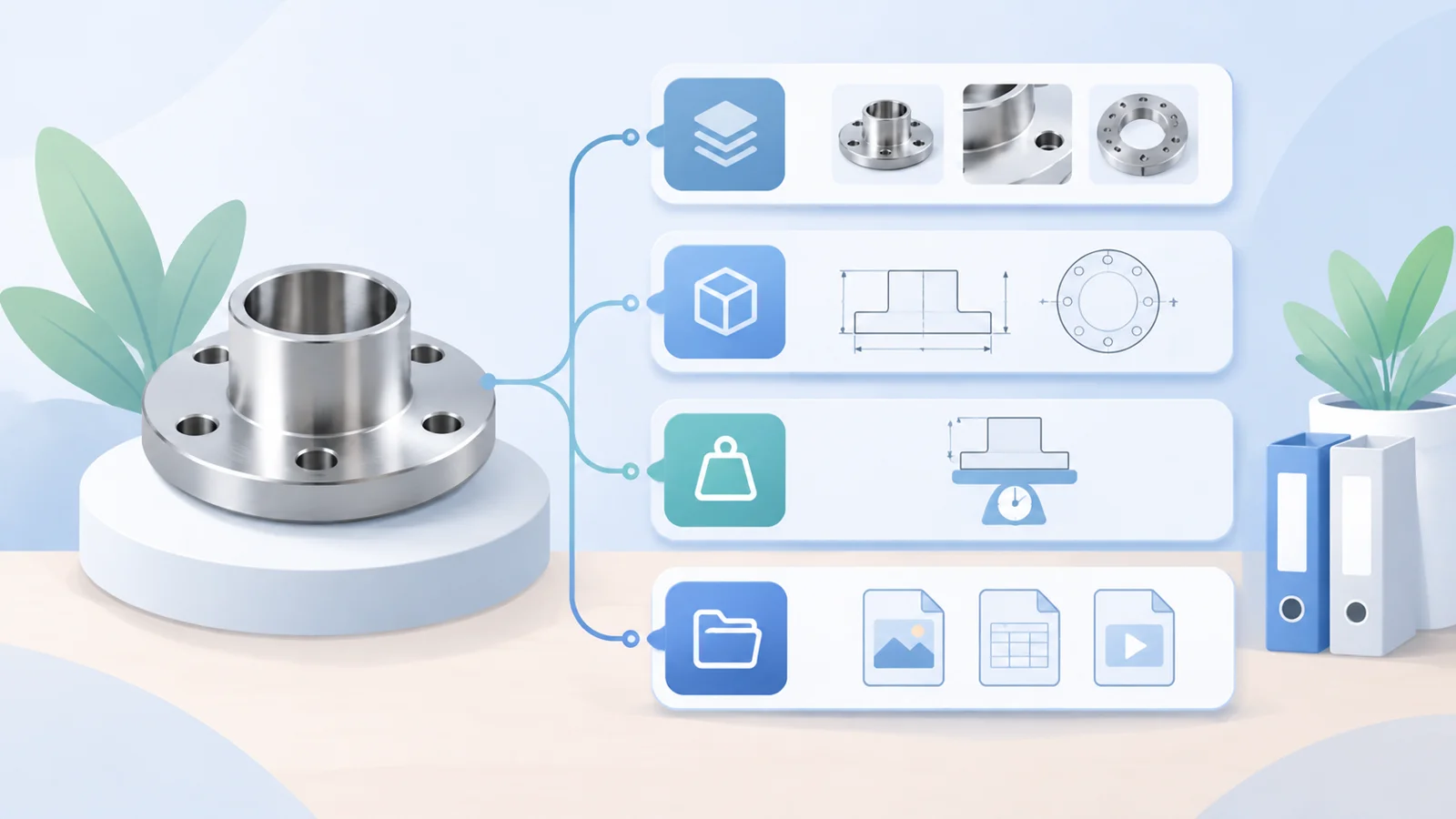
Plan WordPress custom fields by defining what each business value means, who maintains it and where it is used. Agree on types, units, required conditions and missing-value rules before choosing an input interface. Those decisions provide a useful foundation for new products, translations and filters.
A weight column can contain a number, a phrase such as approximately two kilograms, or a packaging weight entered by mistake. Displaying those strings on a page does not make them comparable or suitable for filtering. Start with the meaning of the data.
Sample one product family first
Choose representative source documents, including incomplete records. For each value, identify its original source, business reviewer and intended display. Keep net weight separate from packed weight when both matter. Different product families can require different specifications.
WordPress can store additional information as post metadata. Storage alone does not define the business rules, editorial interface, validation or connection to filters. Those elements need an implementation and acceptance process. This article describes the data agreement rather than recommending a particular plugin.
Create a small data dictionary
The following is a general example created for this article. It does not contain verified specifications for an actual product.
Scroll horizontally or use the arrow keys to view the full table.
| Field | Meaning and type | Rule to agree | Missing value |
|---|---|---|---|
| Model | Text identifying the product | Preserve leading zeros and original symbols | Request confirmation from the content owner |
| Net weight | Numeric weight of the product itself | Use an agreed unit; exclude packaging | Unknown, not zero |
| Dimensions | Separate length, width and height | Define units, order and measurement scope | Track the missing component |
| Suitable materials | A controlled multi-select vocabulary | Name the owner who approves new terms | Do not infer incompatibility |
| Documents | File and version records | Identify language, date and applicable models | Hide an empty download action |
Make required values conditional on the product
A voltage can be essential for an electrical product and irrelevant for another product family. Define applicability instead of forcing every record to use the same value. Unknown, not applicable and a confirmed zero are different states.
If values are converted, retain the original number, unit and approval basis. Agree on display precision. Language versions may share confirmed numeric data while needing separate wording, unit presentation and documents. A translation relationship does not by itself validate translated specifications.
Keep repeated records together
A model, its specifications and its documents can form one repeated record. Adding, importing or reordering items should preserve that relationship. Placing many models into a single text box may be quick initially, but separate filtering or updates can later require restructuring.
Choose between categories, attributes, metadata or another content type using actual editing, query and display needs. Show developers the intended product page, filter results and export example before deciding. Default plugin labels cannot settle those requirements.
Test incomplete information before bulk entry
Try a complete record, an incomplete one and a product with several models. Save and reopen them, then check numbers, units, order, language and file destinations. For existing data, agree on a field mapping, conflict rules and sample checks while keeping the source material intact.
When a field changes, record the change, affected templates or filters and the approving owner. A maintained dictionary supports future work more reliably than a one-off handover spreadsheet.
For storage background, see the official WordPress post metadata guide.
Hedou Bibi provides custom WordPress development, existing-site work and multilingual website services. Bring sample product data, target pages and filtering tasks to discuss the required fields. Contact: 1500351892@qq.com. Scope and communication arrangements are agreed for each project.
Related: WordPress development process and editable content planning.