
WordPress Website Handover: Files, Accounts and Ownership
Published:
Published by: Hedou Bibi
Organise a WordPress handover around recoverable files, databases, verified access, third-party licences and named support responsibilities.
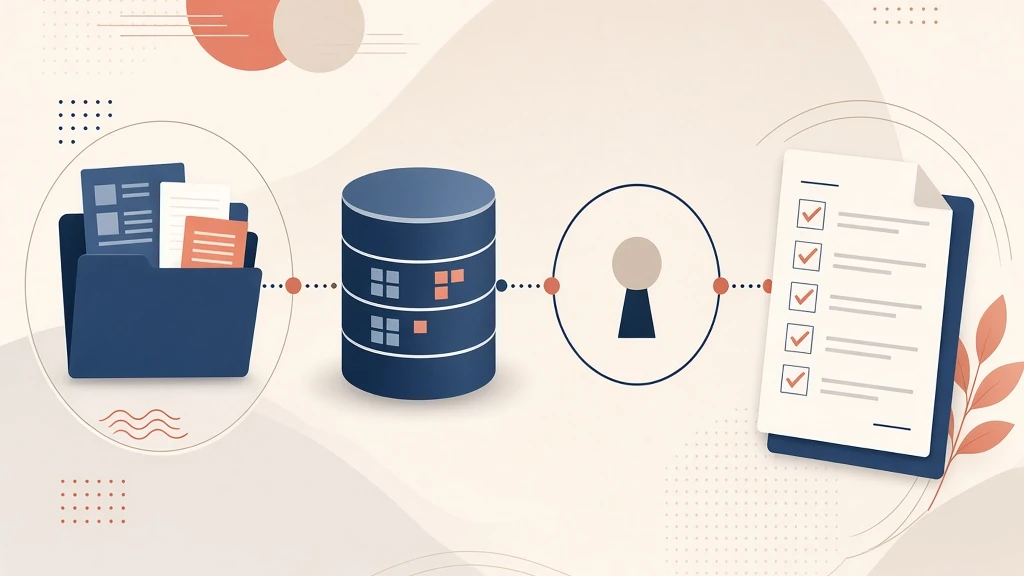
A live website is not the same as a completed handover. An editing login may let the owner change a paragraph while leaving domain renewal, hosting access and recovery unresolved. Treat delivery as a set of resources with a named recipient and an observable acceptance check.
Match the files to the database
Identify the launch version, delivery date and required environment. Inventory custom themes, child themes, plugins, uploaded assets and deployment instructions. Where the agreed build requires source assets or a compilation process, include the relevant files and instructions in the agreed deliverables.
WordPress backup guidance distinguishes files from the database. A normal site recovery needs both, from compatible versions. A saved HTML page or an editorial export should not be presented as a complete recoverable website package.
A practical handover register
This invented example is a working template, not evidence from a client project. Exchange credentials through an agreed secure channel rather than a public register.
Scroll horizontally or use the arrow keys to view the full table.
| Resource | Record | Recipient check |
|---|---|---|
| Files and database | Version, date, location and environment | Verify restoration in an agreed isolated environment |
| Domain and hosting | Registrant or subscriber, renewal owner and due date | Confirm the management and renewal route is available |
| WordPress access | Named account and required capabilities | Log in and perform the agreed editing tasks |
| Third-party resources | Supplier, licence holder and update arrangement | Check the applicable terms and transfer conditions |
| Support | Contact, scope and open work | Confirm how follow-up issues are submitted |
Separate code delivery, account access and licences
Receiving code does not itself transfer a hosting subscription or domain registration. A login also says little about billing control. For each resource, identify the registered entity, operational contact and renewal responsibility. Confirm ownership through the project documentation and applicable agreements instead of inferring it from a technical handover.
List paid themes, plugins, fonts and image assets separately. Record the supplier, holder, permitted deployment scope, renewal date and update arrangements after the engagement ends. Check the actual supplier terms; do not promise that every licence can move with the source files. Mark unresolved terms as awaiting confirmation.
Verify access with the recipient’s own tasks
Ask the recipient to use their named account to change text, replace an image and inspect the public result. WordPress roles and capabilities govern permitted tasks. An editorial account does not establish control over hosting, plugin installation or user administration.
Agree the capabilities required before requesting access. Credential changes, recovery contacts and retirement of old access belong to the authorised owner’s confirmed process; this checklist is not permission to change security settings.
Close with evidence and an open-items list
For every missing item, record an owner and a review date. Distinguish “received, not tested” from “restoration verified”. State who will handle editing, failures, upgrades and new functionality after acceptance, including any limits of the support arrangement.
Use the responsibility matrix to allocate ownership and the development process to discuss handover stages with Hedou Bibi. Confirm the actual delivery package for the specific project.
Keywords: wordpress, website handover, ownership inventory