
Documenting Interaction States Before WordPress Development
Published:
Published by: Hedou Bibi
Turn a static mockup into a state specification that the designer, developer and reviewer can follow.
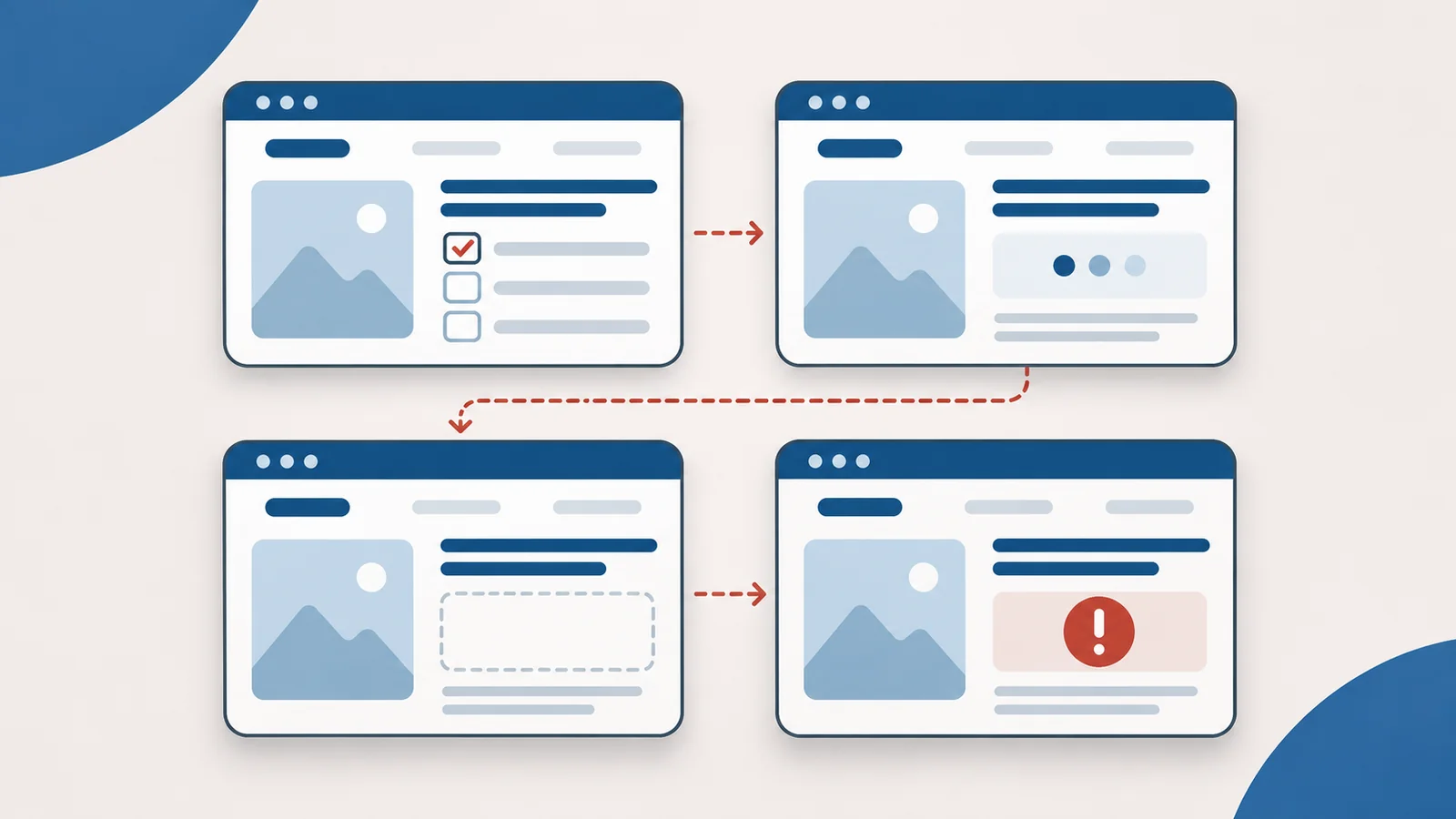
A mockup shows a filter button but leaves the next step unexplained. Should results update as soon as an option is selected? What if nothing matches? When developers fill in those gaps independently, the owner may discover a different interaction at acceptance. Describe one component through its states before implementation starts.
Agree when a selection takes effect
A material-and-application filter can update immediately or wait for an Apply button. Choose the behavior explicitly: it changes loading feedback, repeat requests and the mobile workflow. Explain which options combine, what Clear removes and whether choices survive a return visit.
Identify where the options come from, who maintains them and how translated values correspond. A state specification does not automatically expand an agreed project. Route additional functionality through the scope change process when necessary.
An invented filter-panel state table
This is a design example, not a client record. It assumes an expandable mobile panel with an Apply action that submits the choices together.
Scroll horizontally or use the arrow keys to view the full table.
| State and trigger | Visible response | Available next step |
|---|---|---|
| Default: open the product list | Unfiltered results and a current-condition summary | Open the filter or view a product |
| Expanded: activate the filter control | Options with their current selections | Apply changes or close without applying |
| Loading: submit the conditions | Progress feedback and a defined policy for repeat actions | Wait without mistaking the delay for a broken page |
| Empty: a successful query has no matches | No-match guidance with the selected conditions retained | Clear or adjust the conditions |
| Error: the result request fails | A failure message and a clear policy for previous results | Retry without entering all choices again |
No matches and a failed request are different outcomes. A shared “No content” message hides that distinction and leaves visitors without the right recovery action.
Include keyboard operation and focus
The expansion control needs to be reachable and operable from the keyboard. W3C’s Disclosure pattern describes Enter and Space activation and an aria-expanded value that follows the visible state. This example is an ordinary expandable region. A modal version needs its own dialog behavior, including focus entry, containment and return; it cannot be specified by the expansion rule alone.
Record the tab order, visible focus, focus destination after closing and feedback when results change. Explain the reason for an error and how to recover without relying only on red styling. Hover must not be the sole way to reveal a necessary action on touch or keyboard interfaces.
Specify mobile differences directly
Agree where the filter entry sits, whether the open panel covers results, how long option labels wrap and how Apply differs from Clear. If closing does not apply changes, say whether unsaved choices are retained or discarded, and what the next opening displays. Check that the workflow remains usable in landscape and with the on-screen keyboard open.
Use the real-content mobile review to select long labels and boundary data. The static layout and the interaction specification need to support the same content.
Walk through a complete story before coding
Open the list, expand the panel, choose conditions, apply them, encounter no matches, clear the filter, experience a failed request and retry. Have the designer, developer and business reviewer follow the same record. Assign unresolved decisions instead of leaving them as assumptions.
For every state, answer how it is reached, what becomes visible, what the visitor can do and how the state ends. Discuss development and handover stages with Hedou Bibi through the website development process, then archive the approved version and state table together. Keep later changes linked to their original items.